

Our services
Accessible e-learning that meets WCAG
Accessible e-learning works for all of your employees, including people who use a screen reader, a keyboard, magnification, or captions. We build accessibility in from the start, across instructional design, visual design, and development, and we follow the Web Content Accessibility Guidelines (WCAG). Our courses for the Fraunhofer-Gesellschaft won an eLearning AWARD for this work in 2025.
Where we help When everyone needs to be able to take part.
- 01
Your organization is legally required to be accessible, for example as a public-sector body.
- 02
You want every employee to be able to complete your compliance training on their own, without special workarounds.
- 03
You want your existing courses audited and remediated.
- 04
You want your team to produce accessible content in your own authoring tool for the long term.
What makes e-learning accessible
WCAG is built on four principles:
- Perceivable:
Contrast is sufficient, text can be enlarged, and images, audio, and video come with alternatives.
- Operable:
Every function also works with a keyboard, and the focus is always visible.
- Understandable:
Language and structure are clear, and feedback is unambiguous.
- Robust:
The code is clean enough for screen readers and other assistive technologies to interpret it correctly.
You don’t have to give up interactivity. Drag-and-drop activities, quizzes, and scenarios can all be made accessible. That’s exactly what we showed at Fraunhofer.
What we do for you
Accessible instructional design.
We plan interactions so they work with a keyboard and a screen reader, and we write in clear, plain language.
Accessible visual design.
We pay attention to contrast, font sizes, focus indicators, and layouts that hold up even at high zoom levels. And we’re happy to prove that accessibility and great design go hand in hand.
Media alternatives.
Captions, transcripts, image descriptions, and, where needed, audio description.
Authoring tool setup and guidelines.
We set up your authoring tool and templates so that accessible content becomes the default, and we write a guide for your course authors.
Audit and remediation.
We audit your existing courses against WCAG, tell you what’s most urgent, and, if you like, make the fixes right away.
Which requirements apply?
In Germany, federal public bodies must comply with BITV 2.0, the federal accessibility regulation for information technology. It references the European standard EN 301 549 and, through it, WCAG. The German states and municipalities have equivalent regulations of their own. Since June 2025, the German Accessibility Act (BFSG), the German implementation of the European Accessibility Act, has applied to certain products and services aimed at consumers. Internal corporate training usually isn’t directly covered. Many companies choose accessibility anyway, because they don’t want to leave anyone out and because an accessible course is ultimately easier for everyone to understand. At the start of the project, we decide together which standard applies to you and how extensive the testing should be.
From our projects
Fraunhofer-Gesellschaft: accessible to more than 30,000 employees.
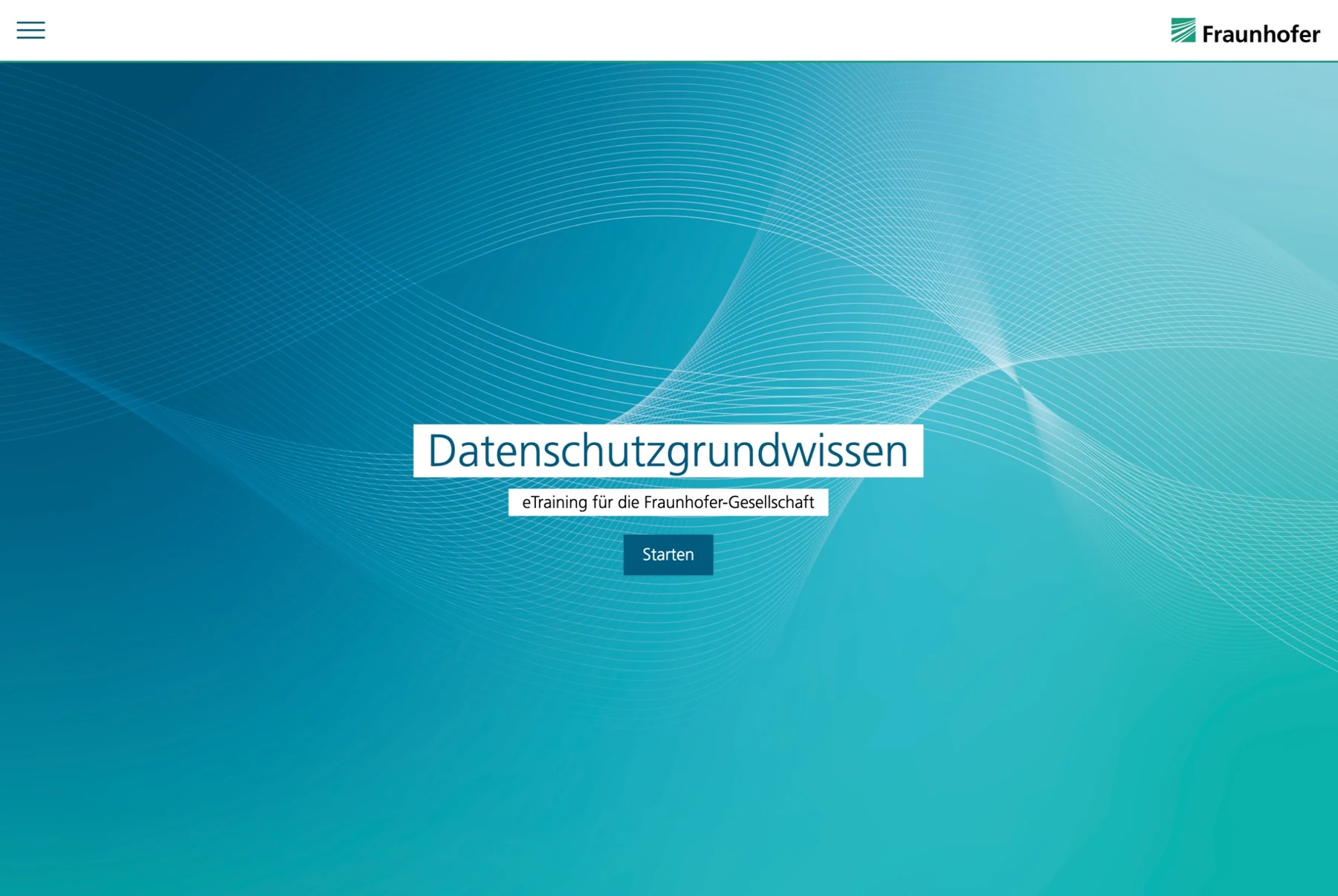
We developed interactive courses that meet WCAG 2.1 AA, starting with “Data Protection for Managers.” To make this work for the long term, we teamed up with chemmedia to make their authoring tool, Knowledgeworker Create, accessible, and we wrote a guide for course authors. Fraunhofer FIT tested the courses with automated tools, manual checks, and assistive technologies. eLearning AWARD 2025, Inclusion category.
Brainfood Academy: accessible production at scale.
The more than 100 microtrainings in the Brainfood Academy also meet WCAG 2.1 AA, on topics from leadership and communication to sales. They combine text, audio, video, quizzes, and reflection exercises, and every one of these formats is accessible to everyone. The project shows that accessibility works even for a large course library. eLearning AWARD 2025, Special Award for Microtraining.
Our approach
From learning objective to launch.
01
Understand
We clarify objectives, audiences, existing content and technical requirements.
You receive learning objectives, a defined scope and a reliable plan.
02
Design
We develop the structure, interactions and visual design. An early prototype brings the training to life.
You receive a storyboard and prototype for approval.
03
Build
We create the text, media and technology in agreed stages, with feedback rounds and quality assurance.
You receive the tested training, in multiple languages if required.
04
Launch
We integrate the training into your LMS, support the launch and continue to develop it with you.
You receive training that is live and in use, with an evaluation of its impact if required.
What does accessible e-learning cost?
Accessibility costs the least when it’s built into the concept from the start. Then the extra effort is manageable, while retrofitting a finished course gets expensive fast. How much work it takes depends on the target standard and the media. Videos with audio description, for example, take more than a text-based course.
Frequently asked questions
Can any authoring tool produce accessible training?
Not all of them equally well. We help you choose the right tool and set up your templates so that the content you build with them is accessible.
Does accessible e-learning mean giving up interactivity?
No. Drag-and-drop activities, quizzes, and scenarios can all be made accessible if you plan for it from the start.
Can you audit our existing training?
Yes. We give you an assessment with clear priorities. If you like, we’ll also implement the improvements.
Is your own website accessible?
Yes, we built it to WCAG 2.2 AA. You’ll find all the details in our accessibility statement.
Tell us what you need. We’ll find the right solution.
Whether it’s a single course, a learning journey or a learning platform like notch.learn, our first call is about understanding what you need and how we can help.